

Introduction:
Learning graphic design can open the door to many creative and professional opportunities. Whether you want to design social media posts, business graphics, website visuals, advertisements, or branding materials, you can start by learning the fundamentals and practicing consistently.
Many beginners ask, “Can I be my own graphic designer?” The answer is yes. With the right knowledge, basic graphic design tools, and regular practice, you can learn to create professional-looking designs without immediately depending on a professional designer.
This guide explains the basic steps for graphic designing, essential skills, tools, copyright considerations, project deliverables, and collaboration techniques that beginners should understand.
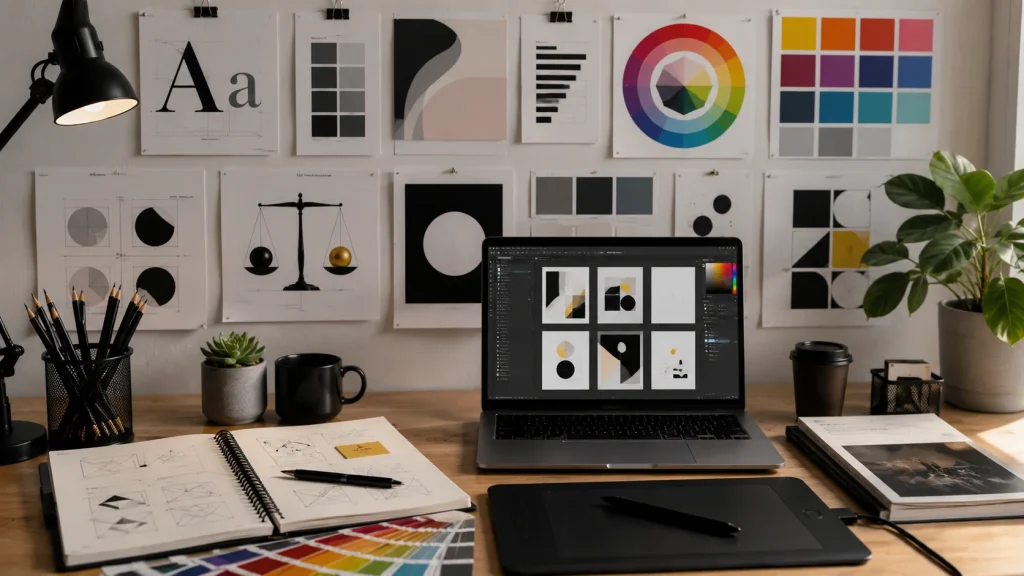
Table of Contents
Be Your Own Graphic Designer
To be your own graphic designer, you need more than just a design application. You need to understand how visual elements communicate a message.
Start by learning:
- Typography
- Color theory
- Layout
- Composition
- Contrast
- Alignment
- Visual hierarchy
- White space
- Branding
Once you understand these concepts, you can use design software to turn your ideas into practical visual content.
Being your own designer doesn’t mean you need to know everything from day one. Start with simple projects and gradually develop your skills.
Can Anyone Do Graphic Design?
A common question is, “Can anyone do graphic design?”
Yes. Anyone can learn the fundamentals of graphic design and begin creating visual content. However, becoming a professional designer requires continuous learning, creativity, technical skills, and practical experience.
Beginners can start with projects such as:
- Social media posts
- Flyers
- Business cards
- YouTube thumbnails
- Website banners
- Promotional graphics
- Presentations
- Simple logos
As your experience grows, you can move into more advanced projects such as brand identity, advertising campaigns, packaging, and professional marketing materials.
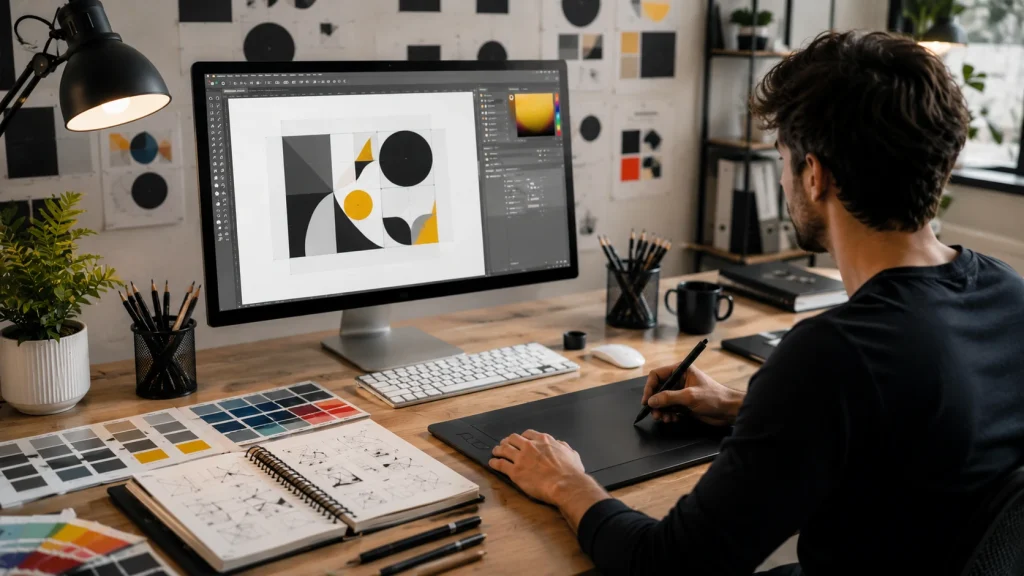
As a Graphic Designer, What Should I Know?
If you’re asking, “As a graphic designer what should I know?”, focus on the fundamentals first.
Typography
Typography is one of the most important parts of visual communication. Learn how to select fonts, create readable text, and establish a clear text hierarchy.
Color
Understand color combinations, contrast, harmony, and how colors influence the appearance of a design.
Layout
Learn how to organize text, images, shapes, and other elements so that the design is easy to understand.
Composition
Composition is the way visual elements are arranged within a design. A strong composition creates balance and guides the viewer’s attention.
Visual Hierarchy
Hierarchy helps viewers understand what information they should notice first, second, and third.
Branding
Learn how fonts, colors, imagery, logos, and other elements work together to create a consistent brand identity.
What Is a Brief for a Graphic Designer?
A brief for graphic designer projects provides the information needed to understand what should be created.
A design brief may include:
- Project objective
- Target audience
- Main message
- Brand guidelines
- Required dimensions
- Content or copy
- Visual references
- Deadline
- Required deliverables
A clear brief helps prevent misunderstandings and gives the designer a clear direction before work begins.
Basic Steps for Graphic Designing
Following a structured process makes creating a graphic design easier.
1. Understand the Objective
First, determine what the design needs to accomplish.
Ask:
- What is the purpose?
- Who is the target audience?
- What message needs to be communicated?
- Where will the design be used?
2. Research
Research the audience, industry, competitors, and visual styles related to the project.
3. Plan the Layout
Create a rough concept or sketch. Decide where the headline, images, supporting information, and call-to-action should appear.
4. Select Colors and Fonts
Choose colors and typography that match the brand and purpose.
5. Create the Design
Use your selected design software to build the final composition.
6. Review
Check spelling, spacing, alignment, contrast, readability, and image quality.
7. Export
Save the finished design in the correct format and dimensions for its intended platform.
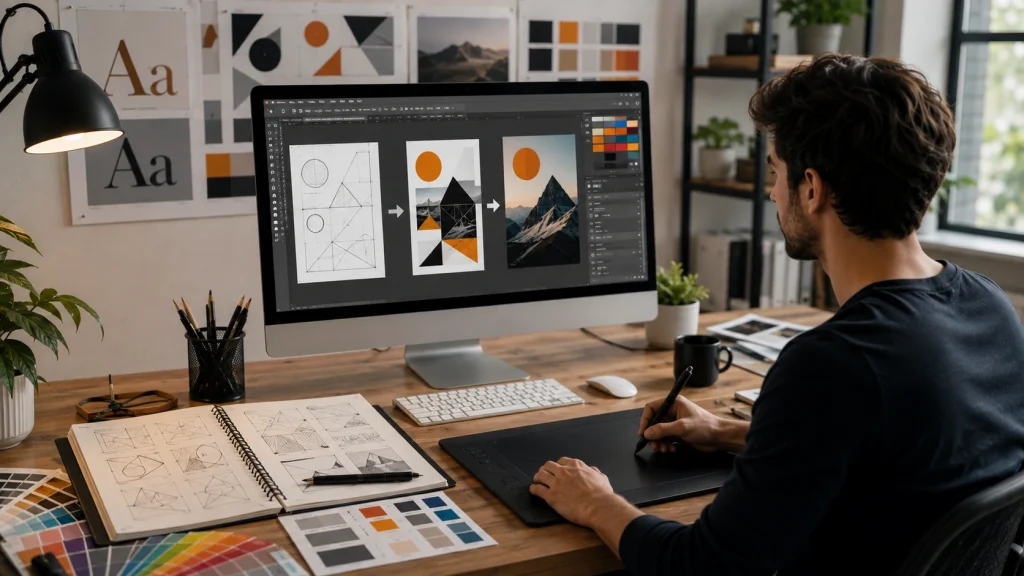
Beginner Guide to Graphic Design
A beginner guide to graphic design should start with principles rather than complicated software features.
A useful learning path is:
- Learn design principles
- Understand typography
- Study color theory
- Practice composition
- Learn layout techniques
- Understand visual hierarchy
- Learn basic design software
- Create simple projects
- Build a portfolio
- Continue practicing
This approach helps you understand why a design works instead of simply learning how to use a particular tool.
Basic Fundamentals of Graphic Design
The basic fundamentals of graphic design include several important principles.
Balance
Balance distributes visual weight throughout the design.
Contrast
Contrast helps important elements stand out.
Alignment
Alignment creates structure and makes a design appear organized.
Proximity
Related information can be grouped together to improve understanding.
Repetition
Repeating design elements creates consistency.
Hierarchy
Hierarchy establishes the order in which viewers notice information.
White Space
White space provides breathing room and prevents the design from becoming overcrowded.
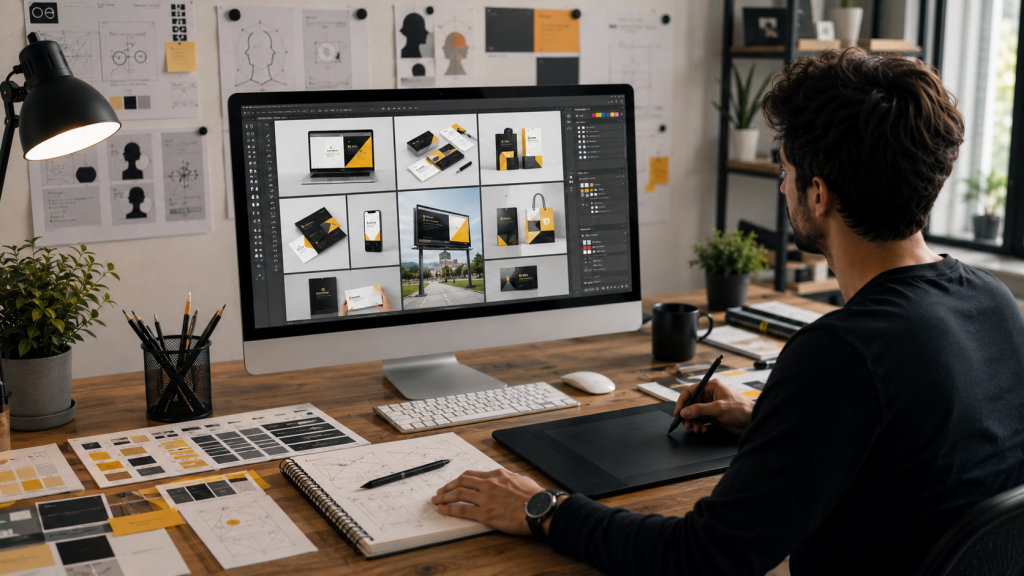
Basic Graphic Design Tools
Learning basic graphic design tools is another important step for beginners.
Depending on your requirements, you may need tools for:
- Image editing
- Vector graphics
- Illustration
- Typography
- Social media design
- Photo editing
- Presentations
- Marketing graphics
You don’t need to learn every tool at once. Choose one suitable platform and become comfortable with its essential features before moving to more advanced software.
Basic Tools for Graphic Design
The basic tools for graphic design should allow you to perform fundamental tasks such as:
- Creating shapes
- Adding text
- Editing images
- Adjusting colors
- Managing layers
- Cropping images
- Resizing designs
- Aligning objects
- Applying effects
- Exporting files
Understanding these functions gives beginners a strong foundation for creating different types of graphics.
Creating a Graphic Design
When creating a graphic design, start with communication rather than decoration.
Before adding visual effects, determine:
What is the message?
Who is the audience?
What should the viewer notice first?
What action should they take?
Once these questions are answered, you can select appropriate colors, typography, images, and layout.
A good design should make the intended message easier to understand.
Create Your Graphic
If you want to create your graphic, start with a simple layout.
For example, when creating a promotional social media post:
- Add the main headline.
- Add the primary image or visual.
- Include supporting information.
- Add branding elements.
- Include a clear call-to-action.
- Check spacing and alignment.
- Export the final version.
Avoid adding unnecessary elements just because your design software provides many options.
Can You Create a Graphic Without Professional Experience?
Can you create a graphic without being a professional designer?
Yes. Beginners can create useful graphics by learning basic principles and practicing regularly.
Online design platforms and templates can make the initial learning process easier. However, understanding design principles is still important because templates alone do not teach you how to create an effective visual communication strategy.
Start with simple projects and gradually increase their complexity.
What Does a Content Graphic Designer Do?
A content graphic designer creates visual assets that support digital and written content.
These may include:
- Blog graphics
- Infographics
- Social media posts
- Educational graphics
- Website visuals
- Promotional images
- Quote graphics
- Email marketing graphics
Content graphic designers need to understand both design and content because the visual should support the message being communicated.
Content Creation and Graphic Design
Content creation graphic design combines visual design with content marketing.
For example, a business may create a campaign containing:
- Blog posts
- Social media graphics
- Infographics
- Videos
- Email graphics
- Promotional banners
Using consistent colors, fonts, imagery, and branding across these assets can create a stronger and more recognizable visual identity.
Copyright for Graphic Designers
Understanding copyright for graphic designers is essential when working with images, fonts, illustrations, icons, templates, and other creative assets.
Not every image or graphic available online can legally be used in commercial projects.
Before using an asset, check:
- License terms
- Commercial-use permissions
- Attribution requirements
- Modification rights
- Usage restrictions
Whenever possible, use original work or properly licensed assets.
Copyright laws vary depending on the country and circumstances, so specific legal questions should be discussed with a qualified legal professional.
Graphic Design Deliverables
Deliverables graphic design refers to the final files and assets provided after completing a design project.
Depending on the project, deliverables may include:
- PNG files
- JPG files
- PDF files
- SVG files
- Editable source files
- Logo variations
- Social media versions
- Print-ready files
The required deliverables should be agreed upon before starting the project so both the client and designer understand what will be provided.
Graphic Design Assignment
A graphic design assignment is a useful way for beginners to practice their skills.
You can create fictional assignments such as:
- Designing a restaurant logo
- Creating a social media campaign
- Designing a promotional flyer
- Creating a business card
- Designing a website banner
- Creating a YouTube thumbnail
- Developing a simple brand identity
Practice assignments allow you to experiment with different styles and build portfolio pieces.
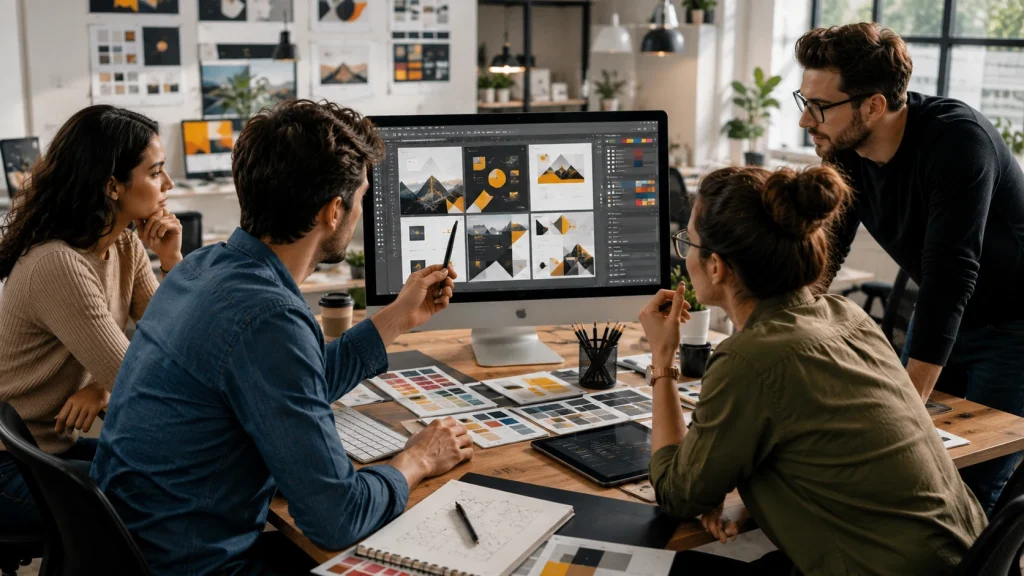
Collaboration in Graphic Design
Collaboration in graphic design is an important professional skill.
Designers often collaborate with:
- Business owners
- Marketing teams
- Copywriters
- Developers
- Photographers
- Social media managers
- Project managers
Effective collaboration requires clear communication and an organized workflow.
A designer should understand feedback, explain design decisions, make necessary revisions, and keep project files organized.
How to Improve Your Graphic Design Skills
The best way to improve is through consistent practice.
Create different types of projects and study professional designs to understand how visual elements are organized.
You can practice:
- Typography
- Color combinations
- Layouts
- Social media graphics
- Advertisements
- Posters
- Logos
- Infographics
- Website banners
- Branding concepts
Save your strongest work and gradually build a portfolio that demonstrates your abilities.
Common Mistakes Beginners Should Avoid
Using Too Many Fonts
Too many unrelated fonts can make a design look inconsistent.
Using Too Many Colors
A limited color palette often creates a cleaner visual appearance.
Crowding the Design
Too many elements can make the message difficult to understand.
Ignoring Alignment
Random positioning can make an otherwise good design look unprofessional.
Using Low-Quality Images
Poor image quality can reduce the overall quality of your design.
Designing Without a Purpose
Every major element should contribute to the project’s objective.
Final Thoughts
Learning to be your own graphic designer is possible when you approach the process step by step.
Start by learning the basic fundamentals of graphic design, including typography, color, composition, layout, hierarchy, alignment, contrast, and white space. Then learn suitable basic graphic design tools and begin creating simple projects.
As you gain experience, learn how to work with design briefs, manage deliverables, understand copyright, collaborate with other professionals, and develop a strong portfolio.
You don’t need to become an expert overnight. Start creating, review your work, learn from feedback, and keep practicing. With consistent effort, you can develop the knowledge and confidence needed to create effective graphic designs independently.
Frequently Asked Questions
Can anyone do graphic design?
Yes. Anyone can learn graphic design fundamentals and begin creating visual content. Professional-level design requires continued practice and development.
How can I be my own graphic designer?
Learn design fundamentals, choose suitable design tools, practice regularly, study professional work, create projects, and build a portfolio.
What should I know as a graphic designer?
You should understand typography, color theory, composition, layout, visual hierarchy, branding, design tools, file formats, copyright basics, and communication.
What is a graphic design brief?
A graphic design brief explains the project’s objectives, audience, message, requirements, dimensions, deadline, and expected deliverables.
Can I create a graphic without professional experience?
Yes. Beginners can create useful graphics by learning basic principles and practicing with simple projects.
What are graphic design deliverables?
Graphic design deliverables are the final files or assets provided for a project, such as PNG, JPG, PDF, SVG, editable source files, or print-ready files.
Why is collaboration important in graphic design?
Collaboration helps designers work effectively with clients and other professionals while keeping the project aligned with its objectives.