

Introduction:
Do you need to draw for graphic design? No, you do not need to be an expert at drawing to become a graphic designer. Although drawing can be useful for certain creative projects, many areas of graphic design focus on typography, colors, layouts, images, branding, and digital composition rather than traditional hand-drawing.
Graphic design is primarily about communicating ideas visually. Designers combine different visual elements to create advertisements, logos, social media graphics, website designs, packaging, and other creative materials.
If you are interested in graphic design but feel that your drawing skills are limited, you can still learn the fundamentals and develop professional design abilities. This beginner-friendly guide explains when drawing is useful, which skills matter most, and how to start creating your own graphic designs.
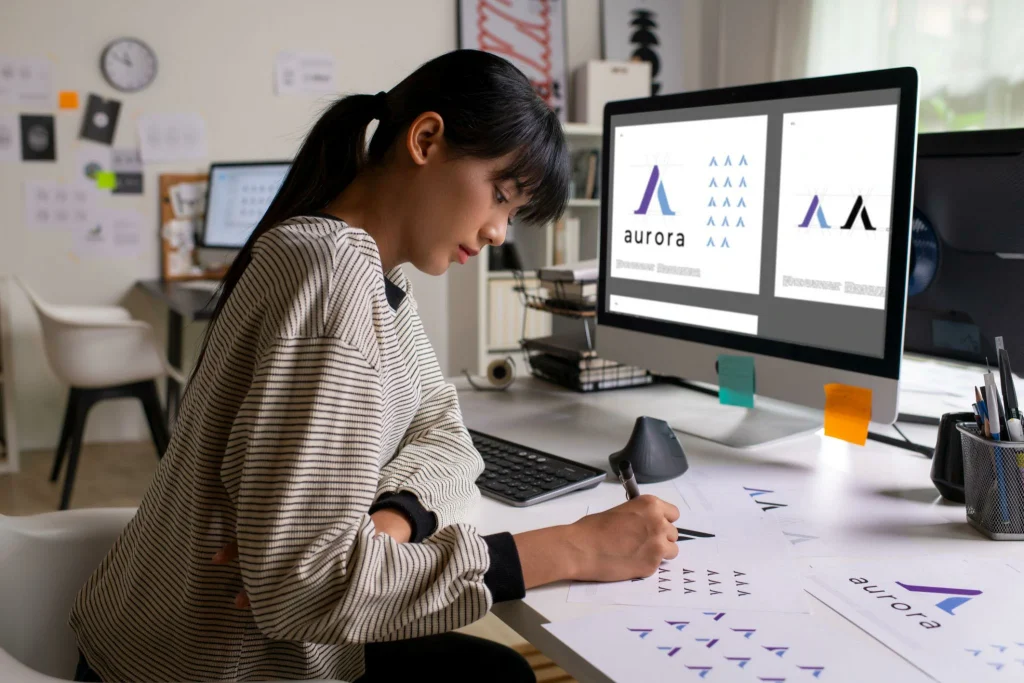
Table of Contents
Do You Need to Draw for Graphic Design?
No, drawing is not a requirement for most graphic design jobs. You can create many professional designs using typography, photographs, icons, shapes, templates, and digital design tools.
For example, a graphic designer creating a social media advertisement might use a product photograph, a headline, brand colors, and a call-to-action button. The designer does not necessarily need to draw any of these elements by hand.
However, drawing can be helpful when developing original illustrations, sketching logo concepts, creating characters, or exploring visual ideas before moving to a computer.
The amount of drawing required depends on your specialization. Traditional illustration and concept art generally involve more drawing than many branding, marketing, layout, and digital design tasks.
Do You Have to Draw to Be a Graphic Designer?
You do not have to be good at drawing to become a graphic designer. What matters more is your ability to understand design principles and organize visual elements effectively.
Professional graphic designers commonly work with:
- Typography and font combinations
- Color palettes and contrast
- Images and photography
- Geometric shapes and icons
- Layouts and visual hierarchy
- Branding elements
- Digital design software
These skills help designers communicate messages clearly and create visually appealing compositions.
For example, designing a business card requires attention to spacing, typography, readability, and brand consistency. It does not usually require advanced drawing ability.
If you enjoy drawing, it can become an additional skill that expands your creative opportunities. If you do not enjoy it, you can still focus on other areas of graphic design.
Does Graphic Design Include Drawing?
Yes, graphic design can include drawing, but it depends on the project and the type of design being created.
Some designers use drawing as part of their creative process, while others rely mainly on digital tools and existing visual assets.
Drawing may be used to:
- Sketch early design concepts
- Develop original illustrations
- Explore logo ideas
- Create custom icons
- Plan compositions
- Produce hand-drawn lettering
- Develop characters and visual stories
Drawing can help designers explore ideas quickly before creating a polished digital version.
For example, a designer developing a custom logo might sketch several concepts on paper, select the strongest idea, and recreate it as a vector graphic using design software.
In other projects, a designer may begin directly in a digital application without sketching by hand.
Does Graphic Design Involve Drawing in Every Project?
No. Graphic design does not involve drawing in every project.
The workflow depends on the design objective, the client’s requirements, and the designer’s preferred process.
Consider these examples:
| Graphic design project | Is drawing necessary? |
|---|---|
| Social media post | Usually not |
| Business card | Usually not |
| Website banner | Usually not |
| Brochure layout | Usually not |
| Logo design | Helpful, but not always required |
| Custom illustration | Often important |
| Character design | Usually important |
| Hand-drawn lettering | Important for this style |
| Infographic | Optional |
| Packaging design | Depends on the concept |
This table shows that drawing is a useful skill in certain situations, not a universal requirement.
Does Graphic Design Require Drawing or Artistic Talent?
Graphic design requires visual thinking, creativity, and problem-solving, but these abilities can be developed through practice.
Some beginners assume that successful designers must be naturally artistic. In reality, many important design skills can be learned through structured study and repeated experimentation.
You can improve your design ability by learning how to:
Understand Visual Hierarchy
Visual hierarchy helps viewers identify the most important information first. Designers create hierarchy through size, contrast, color, placement, and typography.
Use Color Effectively
Color can communicate mood, establish brand identity, and make important information stand out. Learning basic color theory is useful for nearly every design specialty.
Work With Typography
Typography involves choosing and arranging fonts to make content readable and visually consistent. Good typography can significantly improve a design without requiring any drawing.
Create Balanced Layouts
A well-organized layout makes information easier to understand. Alignment, spacing, contrast, and composition help create a clear visual structure.
These skills are often more directly relevant to everyday graphic design work than the ability to draw realistic objects.
What Is Drawing Graphic Design?
The phrase “drawing graphic design” can refer to using drawing techniques to develop graphic design concepts or incorporating hand-drawn artwork into a final composition.
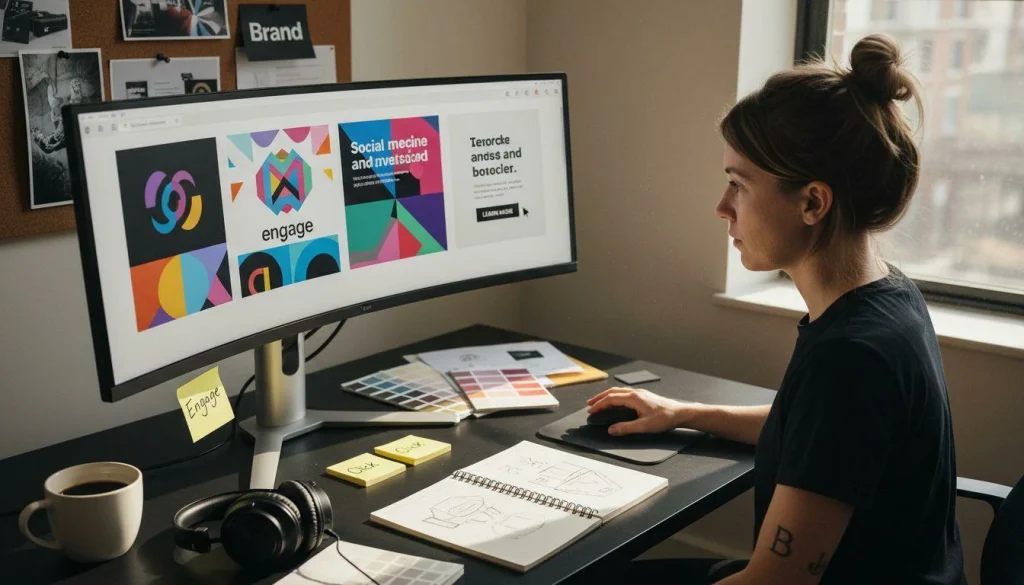
For example, a designer might draw a rough illustration, scan it, and combine it with digital typography and color. Another designer might use a drawing tablet to create illustrations directly on a computer.
Drawing can also help with brainstorming. Simple sketches make it easier to test ideas and explore different arrangements before spending time refining a design.
You do not need to produce perfect drawings. Even basic shapes and rough sketches can help you plan a visual concept.
What Is a Drawing of Graphic Design?
A drawing of graphic design may be a preliminary sketch, an illustration, or a visual concept created as part of a design project.
A preliminary sketch helps the designer plan the composition. It may show where a headline, image, logo, or other visual element should appear.
For example, before designing a promotional poster, you could sketch the headline at the top, the main image in the center, and the contact information at the bottom.
This rough drawing acts as a guide for the final design.
A drawing can also become part of the finished artwork. Hand-drawn illustrations, decorative lettering, and custom icons are common examples of drawing being used in graphic design.
How to Do Graphic Design Without Drawing Skills
If you want to do graphic design but cannot draw confidently, start with projects that rely on layout, typography, images, and shapes.
Here are some practical ways to begin.
1. Start With Simple Designs
Choose straightforward projects such as social media posts, flyers, business cards, or promotional banners.
These projects help you practice fundamental design principles without requiring advanced illustration skills.
2. Use Photos and Licensed Graphics
Photography and ready-made graphic elements can help you create visually rich designs.
Use assets that you created yourself or that you have permission to use. Always check the licensing terms of stock images, icons, fonts, and other resources.
3. Learn Typography and Color
Experiment with font combinations, color palettes, contrast, and spacing. Small improvements in these areas can make your designs look more professional.
4. Use Shapes and Basic Elements
Circles, rectangles, lines, and simple geometric forms can be combined to create icons, backgrounds, patterns, and layouts.
You can create many useful designs with these basic elements.
5. Practice With Design Software
Choose a tool that suits your goals. Start with its basic features and gradually learn more advanced techniques.
As your skills improve, you will be able to create more complex designs without relying heavily on templates.
Be Your Own Graphic Designer
You can be your own graphic designer when you learn to create visual materials for your personal projects, business, or online presence.
For example, a small business owner may create their own social media posts, flyers, presentations, and simple promotional graphics.
To get started, follow these steps:
- Identify the purpose of your design.
- Determine who will see it.
- Gather the text, images, and branding elements you need.
- Choose suitable colors and fonts.
- Arrange the elements into a clear layout.
- Check readability, alignment, and spacing.
- Review the final design before publishing or printing.
You can use these steps to develop practical skills and reduce your dependence on external design services for simple projects.
However, complex branding systems, specialized illustrations, and demanding commercial projects may still benefit from professional design expertise.
Can Anyone Do Graphic Design?
Most people can learn the basics of graphic design, even without previous drawing experience.
The key is to approach learning step by step instead of trying to create complex designs immediately.
Beginners should study the fundamentals, observe professional examples, practice regularly, and learn from constructive feedback.
You can start by recreating simple layouts for practice, then gradually develop your own concepts. When studying existing designs, focus on understanding their structure rather than copying another designer’s work for commercial use.
Over time, you can develop a personal style and identify which areas of graphic design interest you most.
DIY Graphic Design Free: Tools for Beginners
If you want to explore DIY graphic design free, several tools offer accessible ways to start creating visual content. Features and free-plan limitations can vary, so review each tool’s current terms before choosing one.
Canva
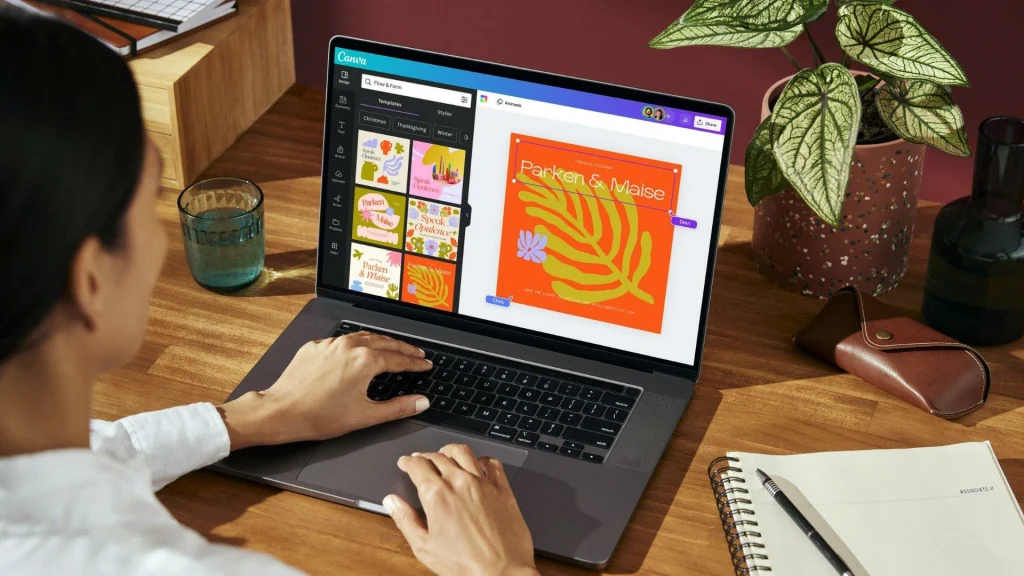
Canva offers a beginner-friendly interface and templates for social media posts, presentations, flyers, and other design projects.
It can be useful when you want to create graphics quickly without advanced drawing skills.
Adobe Express
Adobe Express provides tools for creating promotional graphics, social media content, and other visual materials. It can help beginners experiment with layouts and ready-made design elements.
GIMP
GIMP is a free, open-source image editor. It is useful for photo editing, image manipulation, and certain digital design tasks.
Inkscape
Inkscape is a free, open-source vector graphics editor. It can be used to create scalable graphics, icons, illustrations, and logo concepts.
Each tool serves a different purpose. Beginners should choose one based on the type of projects they want to create rather than trying to learn every application at once.
Basic Graphic Design Tools You Should Learn
The basic tools for graphic design depend on the kind of work you want to produce. You do not need expensive equipment to begin learning.
A practical beginner setup may include:
- A computer or compatible device
- A graphic design application
- A keyboard and mouse or trackpad
- Access to suitable images and fonts
- A folder for organizing project files
- A sketchbook or note-taking tool, if useful
A drawing tablet is optional for many design tasks. It becomes more valuable if you plan to create digital illustrations, hand-drawn lettering, or detailed artwork.
Start with the tools you already have and upgrade only when your projects require additional capabilities.
Can You Create a Graphic Without Drawing?
Yes. You can create a graphic using typography, photographs, shapes, icons, and layout techniques.
For example, to create a simple event announcement, you could add the event name, date, venue, a suitable background image, and a clear call to action.
You can then adjust the font sizes, spacing, alignment, and colors to make the information easy to understand.
This is a common form of digital graphic design. The effectiveness of the result depends on how well the visual elements communicate the intended message, not on whether you drew them yourself.
Creating a Graphic Design: Basic Steps for Beginners
A consistent design process helps beginners work more effectively.
Step 1: Define the Goal
Determine what the design needs to communicate. Is it advertising a product, promoting an event, explaining information, or building brand awareness?
Step 2: Understand the Audience
Consider who will see the design and what information they need. A design for children may use a different visual style from one created for a corporate audience.
Step 3: Gather the Content
Collect the required text, images, logos, colors, and other assets before arranging the design.
Step 4: Plan the Layout
Decide where the headline, supporting text, imagery, and call to action should appear.
You can sketch a rough layout or work directly in a digital application.
Step 5: Create the Design
Arrange your elements and refine the typography, color palette, spacing, and visual hierarchy.
Step 6: Review and Improve
Check for spelling errors, poor alignment, inconsistent colors, low-quality images, and unclear messaging.
Step 7: Export the Final File
Choose an appropriate file format and dimensions for the intended use. For example, a social media graphic may need a different size from a print brochure.
Following these basic steps makes creating a graphic design more manageable, even if you are a complete beginner.
Beginner Guide to Graphic Design: Common Mistakes to Avoid
New designers often focus too much on decoration and overlook the purpose of the design.
Avoid these common mistakes:
- Using too many fonts in one composition.
- Combining colors that make text difficult to read.
- Filling every available space with content.
- Using low-resolution or unlicensed images.
- Making every element equally prominent.
- Relying on templates without adapting them to the message.
- Ignoring the intended audience.
- Exporting files in unsuitable formats.
A simple, well-organized design is often more effective than a complicated design with too many competing elements.
Final Thoughts
So, do you need to draw for graphic design? No, drawing is not essential for most graphic design work. It can be a valuable additional skill, especially for illustration and custom artwork, but you can create effective professional graphics by learning typography, color theory, composition, visual hierarchy, and digital design tools.
If you are a beginner, start with simple projects and practice consistently. Learn how to arrange text and images, create balanced layouts, and communicate a clear message.
You can become your own graphic designer for many everyday projects without being an expert artist. As your experience grows, you can explore illustration and drawing if they match your interests and career goals.
Frequently Asked Questions
1. Do you need to draw for graphic design?
No. Most graphic design projects do not require advanced drawing skills. Designers often work with typography, images, shapes, colors, and layouts.
2. Does graphic design involve drawing?
Sometimes. Drawing may be used for sketching concepts, illustrations, icons, and custom artwork, but it is not necessary for every design project.
3. Can I become a graphic designer if I cannot draw?
Yes. You can learn graphic design by focusing on visual communication, design principles, typography, color theory, composition, and suitable design software.
4. What are the best graphic design tools for beginners?
Beginner-friendly options include Canva and Adobe Express for accessible graphics, GIMP for image editing, and Inkscape for vector design.
5. Can I do graphic design for free?
Yes. Free tools such as GIMP and Inkscape can help you create many types of graphics. Some online platforms also provide free plans with certain limitations.
6. Is a drawing tablet necessary for graphic design?
No. A drawing tablet is optional for many design specialties. It is more useful for digital illustration, detailed artwork, and hand-drawn design elements.
7. What should I learn first in graphic design?
Start with typography, color theory, alignment, contrast, spacing, composition, and visual hierarchy. Then practice using a design tool to apply these principles.
8. How can I create my own graphic design?
Define your goal, gather the necessary content, choose a suitable tool, arrange text and images, refine the layout, review the result, and export the design in the appropriate format.